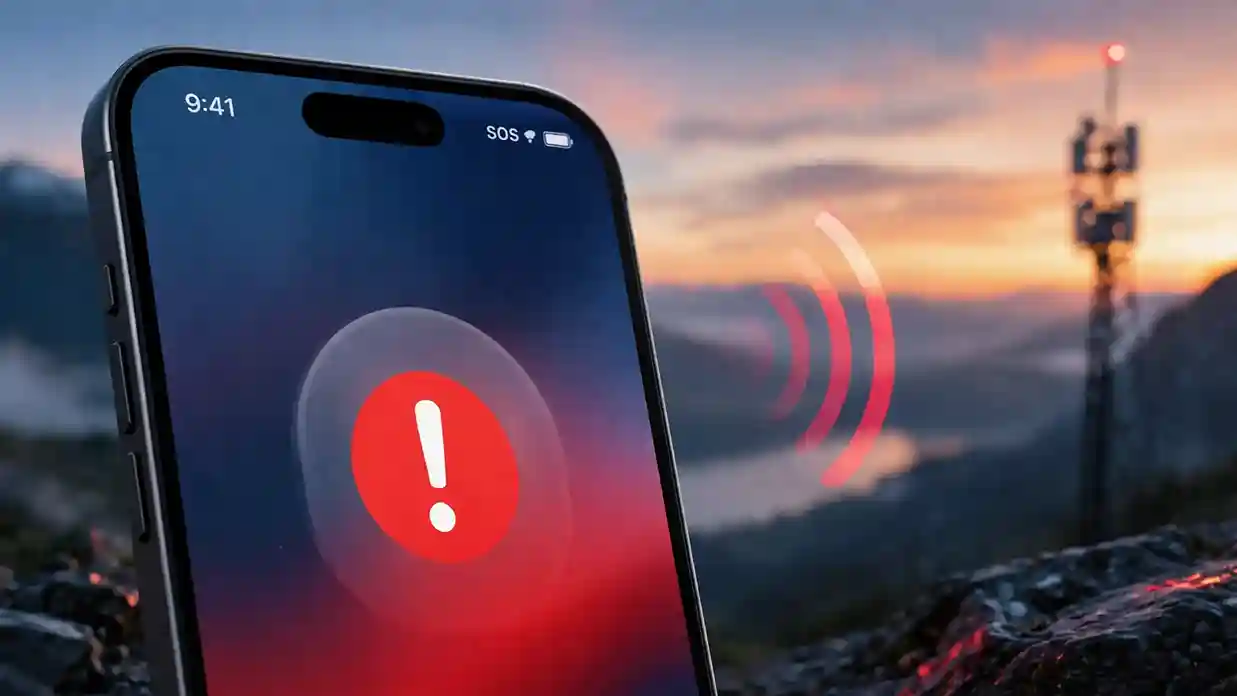
Instead of your signal bars, your screen now displays “SOS”. Panic sets in. Can you still call someone? Are your texts going through? Is your phone broken? Take a breath. This is a simple, well-designed safety feature, not a malfunction. This guide breaks it down in plain English, covers every device and carrier, and gives you working fixes today.
What Does SOS Mean?
SOS stands for “Save Our Souls” or “Save Our Ship,” a distress signal first used in Morse code over a century ago. On a modern smartphone, the meaning is much narrower: your device has lost its usual connection to your carrier, but it can still detect a nearby network strong enough. to place an emergency call. Regular phone calls, texts, and mobile data stop working. Emergency calls still go through.
Think of it as a safety net. Your phone automatically searches for any available signal, even from a rival carrier, so you’re never fully cut off during a real emergency.
| Term | What It Means |
| SOS | No connection to your own carrier, but emergency calls work |
| No Service | No connection to any network at all |
| Searching | Phone is actively looking for a signal |
| SOS Only | Same as SOS; emergency-only mode is active |
What Does SOS Mean on iPhone?
Apple built this feature into the status bar so users instantly know their emergency-calling capability, even without regular service. When your iPhone can’t reach your carrier’s network, “SOS” or “SOS Only” replaces the signal bars in the top-right corner (or top-center on newer models). So, what exactly does “SOS” mean for iPhone users? It confirms your device is safe to use in a crisis, even when nothing else works.
During this mode, your iPhone automatically searches nearby carrier towers for one strong enough to route a 911-style emergency call, even if you don’t have an account with that carrier. This is a legal requirement in the United States, Canada, and Australia, and Apple built it directly into iOS.
Common reasons this happens:
- You’re in a rural or remote area with weak coverage
- Your SIM card is damaged, expired, or not seated correctly
- Your carrier is experiencing a regional outage
- You’re traveling internationally without a local plan
- A recent iOS update reset your network settings
What Does SOS Mean on My iPhone Specifically? (Model Differences)
Not every iPhone handles SOS the same way, and knowing your model helps you understand your options. If you’re asking what does SOS mean on an iPhone released in 2022 or later, satellite technology is the real difference-maker.
- iPhone 13 and earlier: If you move completely out of range of any network, the icon switches from “SOS” to “No Service.” There’s no backup option beyond cellular towers.
- iPhone 14 and later: These models add Emergency SOS via satellite. If you have zero cellular and zero Wi-Fi coverage, your phone can still text emergency services directly through satellite, even in the middle of nowhere.
- iPhone with iOS 17 or newer: Satellite messaging expanded to include roadside assistance in some regions, not just emergency responders.
Whether you type it as “what does SOS mean on a iPhone” or “on an iPhone,” search engines and Apple’s own support pages treat both the same way, and so does this guide. The distinction matters more for hikers, campers, and drivers who spend real time in remote areas without reliable towers.
What Does SOS Mean on My Phone If I Use Android?
Android devices don’t usually display the exact word “SOS” in the status bar the way Apple does. Instead, most Android phones show “Emergency calls only” or a small phone icon with an exclamation mark. So what does SOS mean on phone models running Android? The underlying function is identical: no regular network access, but emergency dialing still works through any nearby tower.
Some Android manufacturers, including Samsung and Google Pixel, also include a separate built-in Emergency SOS feature you can trigger manually by pressing the power button rapidly. This is distinct from the automatic network-based SOS and is intended for personal safety circumstances, such as transmitting your position to trusted contacts.
What Does SOS Mean on Verizon Specifically?
Verizon customers frequently search for this during regional outages, and the answer is consistent with other carriers. If Verizon’s towers in your area are down, overloaded, or unreachable, your phone displays SOS while it searches for a partner network to route emergency calls.
Verizon does not disable this capability, and it works regardless of whether you have a postpaid plan, a prepaid plan, or a Verizon-powered MVNO such as Visible or Straight Talk. The one difference worth noting: rural Verizon customers sometimes see SOS more often simply because Verizon’s rural tower density varies by state.
Quick checklist if Verizon shows SOS:
- Check Verizon’s outage map for your zip code
- Toggle Airplane Mode on and off
- Confirm your bill is current and your SIM is active
- Restart the device
What Does SOS Mean on Cell Phone During a Carrier Outage?
Large-scale outages make this question spike overnight. When a major carrier like AT&T, Verizon, or T-Mobile experiences a nationwide or regional failure, thousands of phones display SOS simultaneously, even though nothing is wrong with the individual devices.
What does SOS mean on a cell phone in this scenario? It confirms two things at once: your carrier’s network is genuinely down in your location, and your phone’s emergency-calling fallback is working correctly. You don’t need to reset anything. You simply wait for the carrier to restore service, and normal bars return automatically.
What Does SOS Mean in an Emergency Situation?
Understanding what does SOS mean in emergency contexts helps you use the feature correctly if you ever need it. When SOS appears and you dial your local emergency number, here’s what actually happens behind the scenes:
- Your phone identifies any nearby network with emergency-call capability
- The call routes through that network regardless of your carrier
- Your approximate location is shared with responders automatically
- If you’ve set emergency contacts, iPhone notifies them after the call ends
This system exists precisely because emergencies don’t wait for good signal. A phone in SOS mode is still a functioning lifeline.
What Does SOS Mean in Text Messages?
When someone texts “SOS,” they’re using it informally to signal urgent help is needed, echoing the original distress-signal meaning. This is common in group chats, family texts, or casual conversation and has nothing to do with your phone’s connectivity status.
On newer iPhones, Emergency SOS via satellite also lets you send an actual text to emergency services when you have no cellular or Wi-Fi signal at all, turning the phrase into a literal, functional message rather than just an expression.
Why Does SOS Appear at the Top of My iPhone Randomly?
If you’ve typed “what does SOS mean at the top of my iPhone” into Google while sitting in a spot where you normally get full bars, the cause is usually temporary rather than a hardware fault.
Typical random-appearance triggers:
- A brief network handoff between cell towers
- A software glitch after an iOS update
- Airplane Mode toggling unexpectedly
- A SIM card that’s slightly loose from being dropped or jostled
Most of these resolve within a minute or two on their own. If SOS persists for more than 15–20 minutes in a spot where you know you normally have service, it’s worth running through the fixes below.
How to Fix SOS Mode: 7 Proven Steps
Once you understand why this appears, the next priority is fixing it. Work through them in order, beginning with the quickest.
- Toggle Airplane Mode. Swipe down, tap the airplane icon on, wait 10 seconds, tap it off again. This forces your phone to reconnect with the nearest tower.
- Restart your device. A full power cycle clears temporary network glitches faster than any settings change.
- Check for a carrier outage. Search your carrier’s official outage map before assuming your device is at fault.
- Reseat or replace your SIM card. Power off, remove the SIM tray, reinsert it firmly, and power back on.
- Update carrier settings. Go to Settings > General > About and install any available carrier update.
- Reset network settings. Go to Settings > General > Transfer or Reset iPhone, then Reset > Reset Network Settings. This clears saved Wi-Fi, VPN, and APN data.
- Contact your carrier directly.If nothing works, your account or SIM may require maintenance from their end.
What Does SOS Mean on a Phone While Traveling Internationally?
This depends on whether your carrier has a roaming agreement in that country. Without one, your phone can’t connect to local towers for regular service, so it defaults to SOS mode. You’ll still be able to dial the local emergency number, which varies by country: 112 across the EU, 999 in the UK, and 000 in Australia.
To prevent relying solely on SOS mode for connectivity, activate an overseas plan, purchase a local SIM card, or activate an eSIM prior to international travel.
SOS Mode vs. Low Battery Emergency Mode: Don’t Confuse Them
Some users mix up SOS status with iPhone’s separate Low Power Mode or emergency battery reserve. These are unrelated features:
- SOS mode relates entirely to network connectivity
- Low Power Mode improves battery life by reducing background activity.
- Emergency battery reserve (available on some latest iPhones) maintains Find My and Emergency SOS activated even after the battery has reached 0%.
Knowing the difference prevents unnecessary troubleshooting when the real issue is battery-related, not network-related.
Comparison Table: SOS Status Across Situations
| Situation | Status Shown | Can You Call Normally? | Can You Call Emergency Services? |
| Weak carrier signal | SOS / SOS Only | No | Yes |
| Total signal loss | No Service | No | No |
| Carrier-wide outage | SOS | No | Yes |
| Airplane Mode on | No Service or SOS | No | No, unless briefly toggled |
| No cellular or Wi-Fi, iPhone 14+ | SOS + Satellite option | No | Yes, via satellite text |
| Roaming abroad without a plan | SOS | No | Yes, via local emergency number |
FAQs
1. What does SOS mean on your iPhone in one sentence?
It means your iPhone has lost its normal carrier connection but can still place emergency calls through any available network nearby.
2. What does SOS mean on the phone if it keeps flashing on and off?
This usually points to an unstable signal area or a loose SIM card, and typically clears up once you move slightly or restart the device.
3. What does SOS mean on my cell phone during a natural disaster?
It confirms your phone is still able to reach emergency responders even if regular cell towers in your area are damaged or overloaded, which is exactly when this feature matters most.
4. Does seeing SOS mean my phone is broken?
No. It means your phone’s software is working exactly as designed by falling back to emergency-only access when your carrier’s signal isn’t available.
5. Will SOS mode drain my battery faster?
Yes, slightly. Your phone works harder to search for any available network, which can use more power than staying connected to a stable signal.
6. Can I still use Wi-Fi calling while my phone shows SOS?
Yes, if you’re connected to a working Wi-Fi network and your carrier supports Wi-Fi calling, you can make and receive regular calls even while SOS is displayed.
Conclusion
SOS on your screen looks alarming, but now you understand exactly what it means and why your phone displays it. It is a built-in safety feature, not an indication of a faulty equipment. Bookmark this guide, share it with someone who travels often, and next time that icon pops up, you’ll know precisely what to do.